Supplemental Attendance by Student ↑
Supplemental Attendance information can be viewed at the individual student level by selecting Supp Att by Student from the Navigation Tree under the Supplemental Attendance section. This page is read-only and accessible at the School level.
The page is divided into two sections:
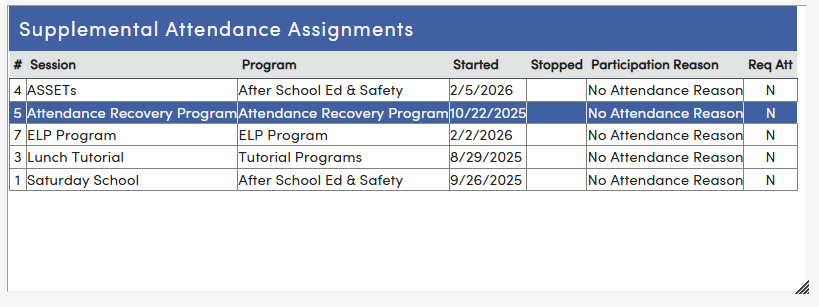
- Supplemental Attendance Assignments displays all sessions the student is currently enrolled in, including the Session name, Program, Start and Stop dates, Participation Reason, and whether attendance is required.
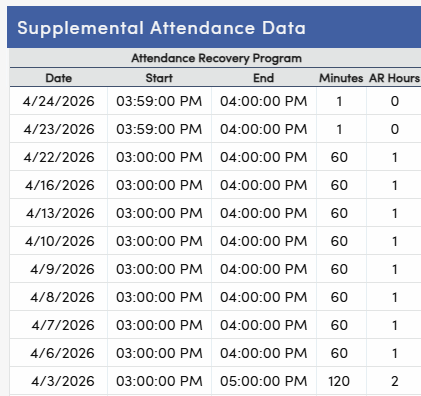
- Supplemental Attendance Data displays detailed attendance records for a selected session.
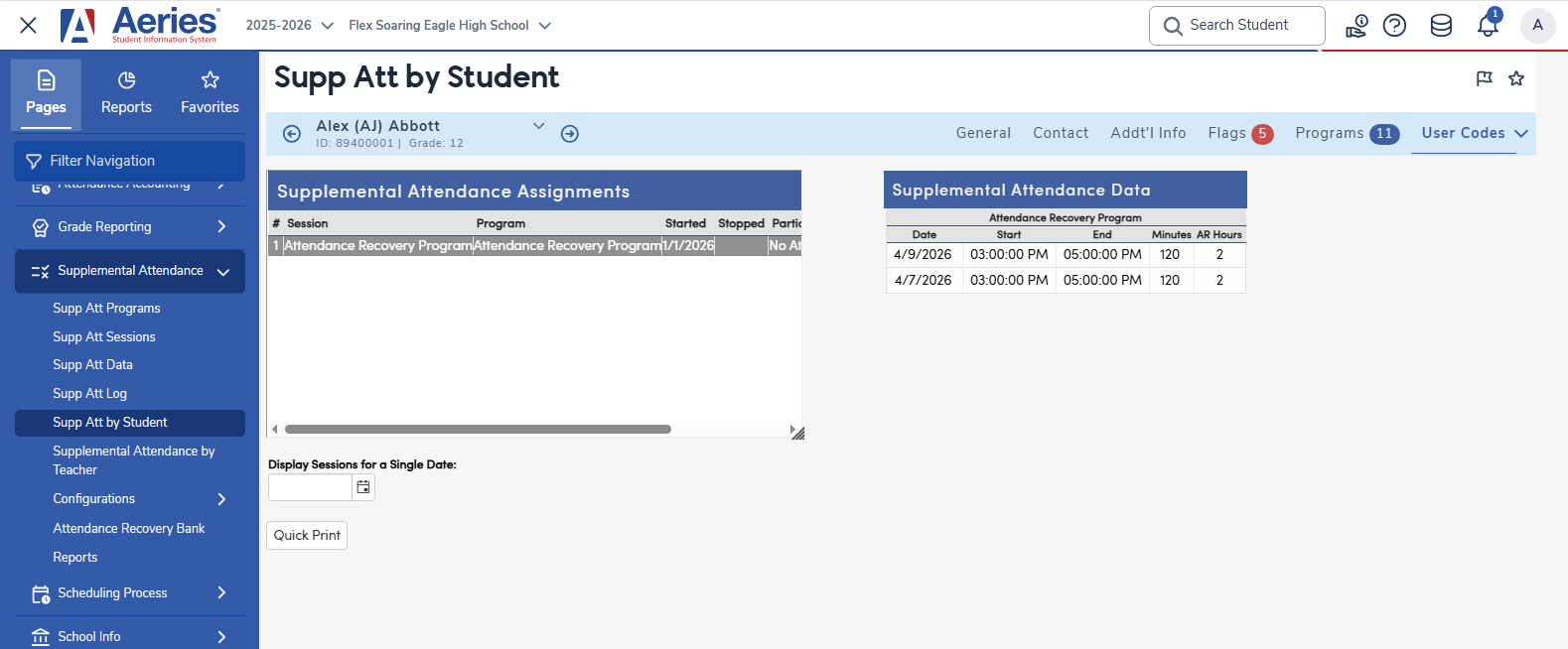
Select a session from the Assignments table to display the corresponding Supplemental Attendance Data.
The data is pulled from ATD and will show the Date, Start Time, End Time, and Minutes attended for each entry. If the session is an Attendance Recovery program, AR Hours will also display, calculated from the minutes logged and rounded down to the nearest whole hour in accordance with CDE Attendance Recovery requirements.
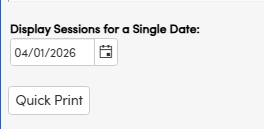
A Display Sessions for a Single Date option allows the information to be displayed for the student by a certain date. The Quick Print button does a quick print of the information.