

Please reach out to support@jumpro.pe if you have questions about setting up Class Grades for your school.
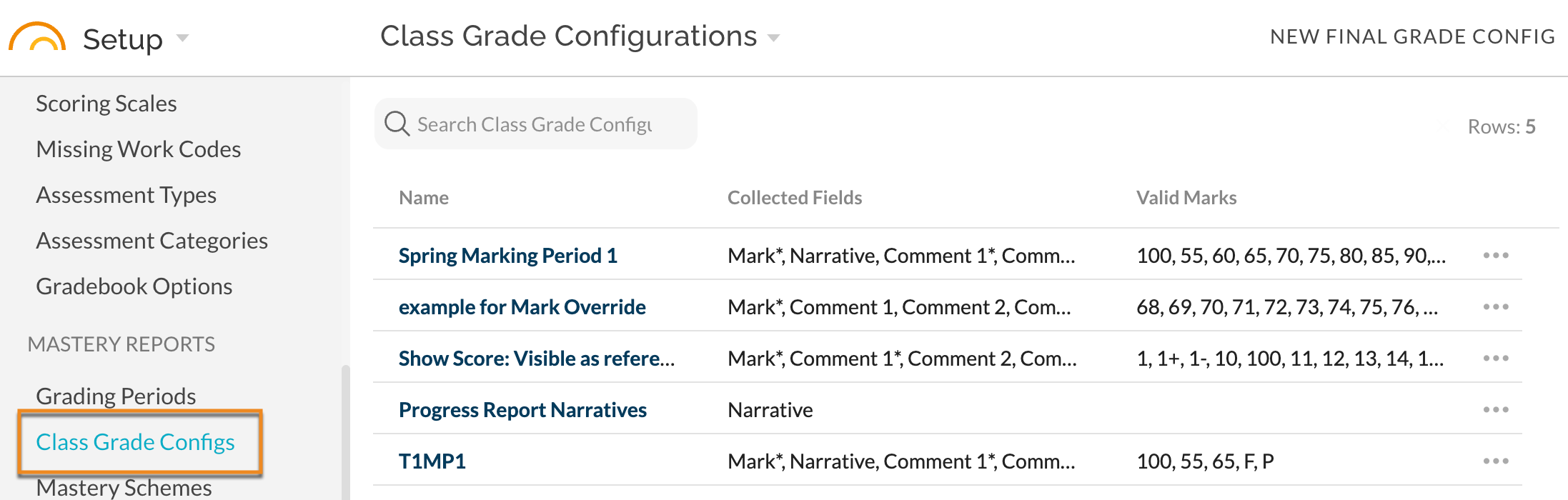
Class Grade configurations can be created directly in a Grading Period and can also be created in the Class Grades Config menu item. Each Config can be used on more than one Grading Period and/or used in subsequent school terms/years.
The Class Grade Configs menu item displays all the previously created class grades configurations listed by their name, collected fields, and valid marks. Please note, collected fields marked with an asterisk indicate a required field for that specific class grade configuration.
New Final Grade Configuration
To create a new Class Grades configuration, select New Final Grade Configuration. This will allow the user the option to create a class grade configuration independent of a grading period. Once the new final grade configuration is created, it will appear on the list with the previously created class grades configurations. It must be applied to at least one Grading Period is order to be utilized.
The newly created class grade configuration will become available as a dropdown option when setting up Class Grades (advanced) within the Grading Periods.
Edit Class Grades Configuration
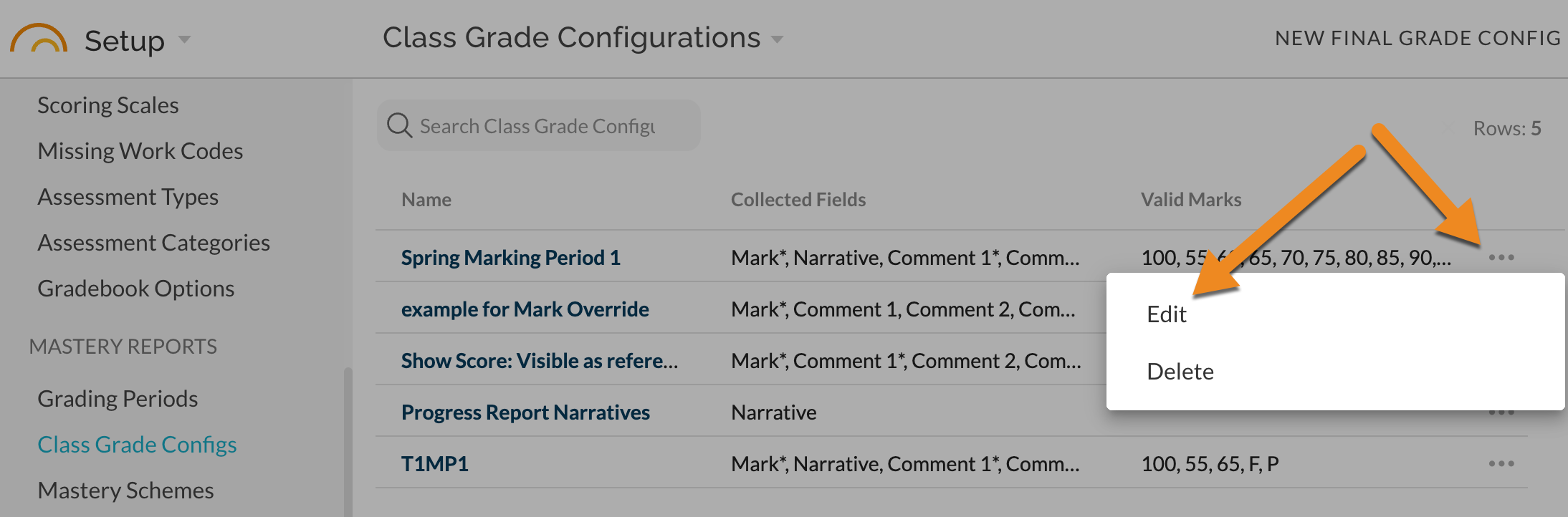
Click on the three dots on the row.
Selecting the "edit" option will provide a popup with all the previously selected settings and each can be adjusted as desired. Be sure to SAVE
Any changes made will be applied to any Grading Period that currently has this Class Grade Configuration applied (i.e. need to add additional Valid Marks, they will be available immediately once Saved in the Config).