

If your school has enabled teachers to be able to create standards in Plan, you may also have access to import a set from a CSV file.
Navigate to JumpRope -> Gradebook -> Plan and select the more menu item in the top right.
In the first step, download a template to complete or import your own spreadsheet. Choose NEXT.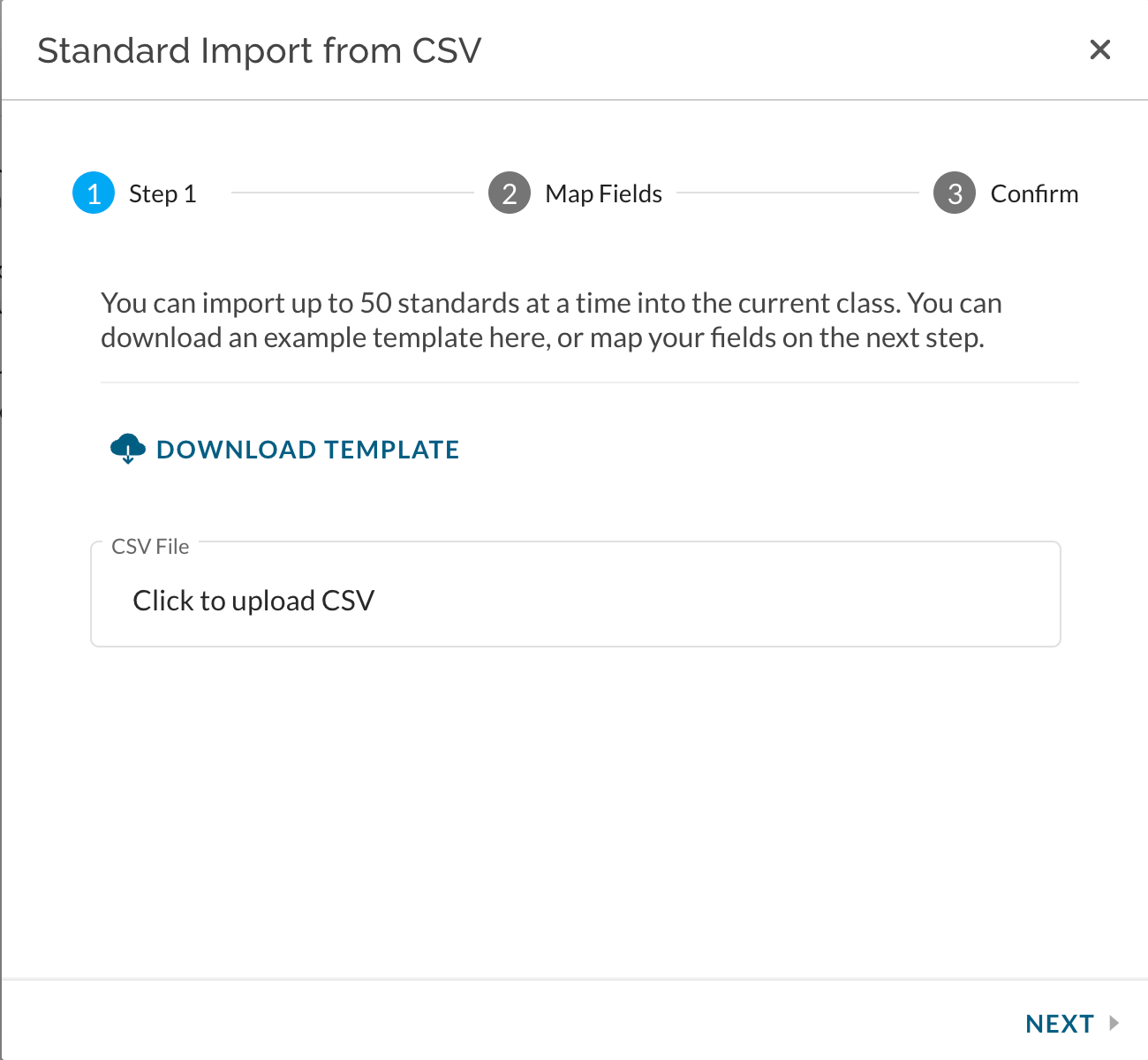
Map the columns from your spreadsheet or template to the required data columns. Optionally map remaining data. The required columns for standard import are Type , Title , and Calculation.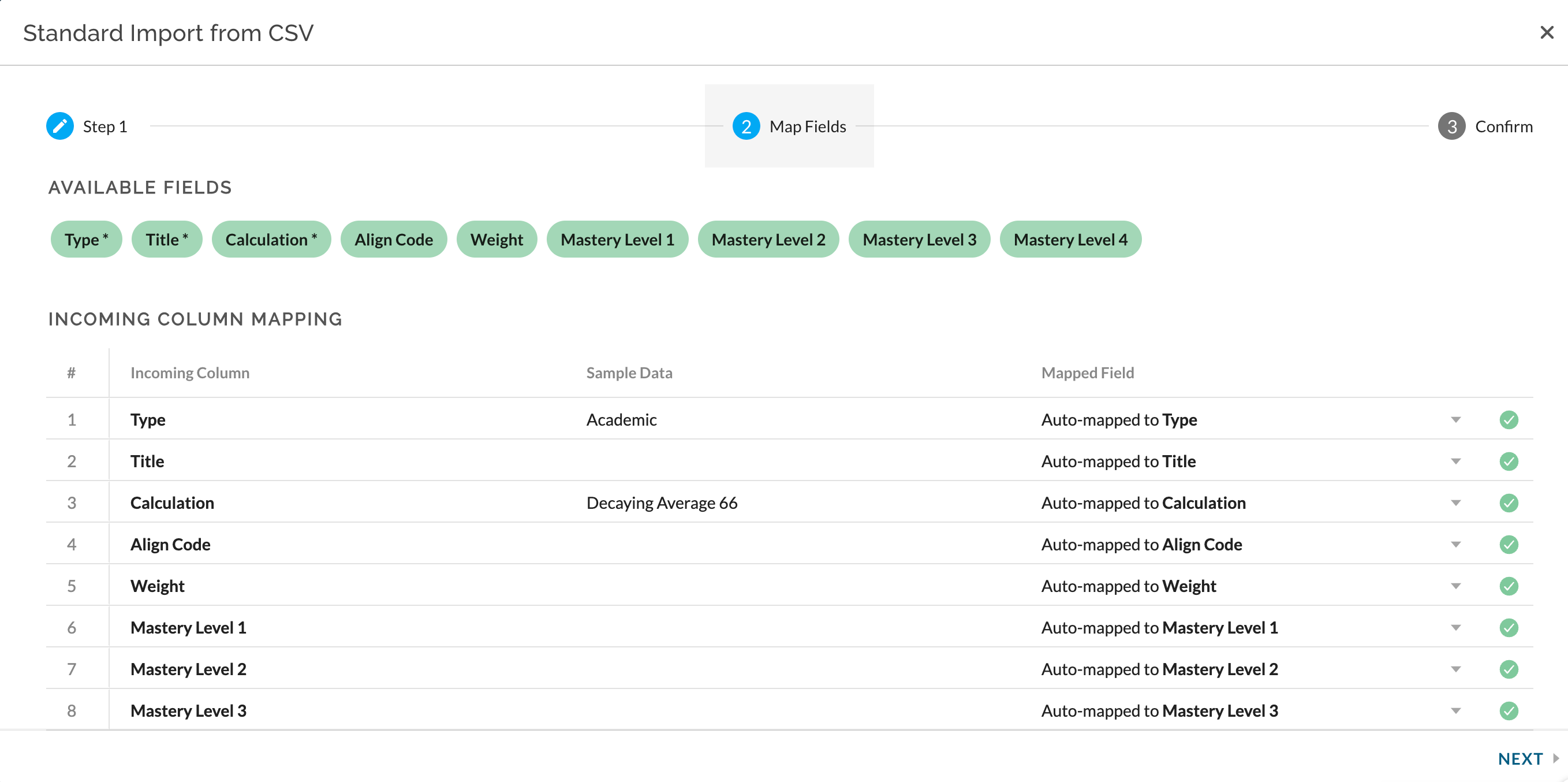
Imported standards will be added to the class as copies. To copy the standards to other classes see here.