

Each user at your school or district can have a set of permission specific to their needs. All users automatically have access to the Grade book features. Additional permissions are required for school account management.
Managing Permissions
Any account that currently has Admin permissions has the ability to manage permissions for the other accounts at their school and/or district. The Staff list offers a view, Staff Account Roles, that details the allowed permissions for every Staff account as well as tools to update them. Each of the permissions are described in detail here. 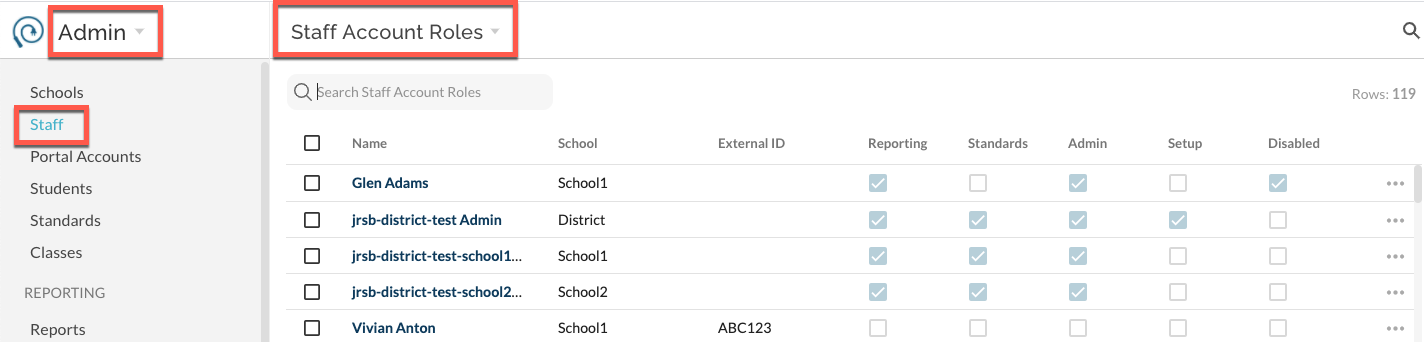
For step-by-step instructions on updating permissions see here.