

JumpRope offers the ability to set a Home Language for each student. If the home language is not specified, it defaults to English.
Setting a home language for a student allows progress reports (emailed or printed PDF) to automatically be translated into the desired language. Whenever a progress report is generated for a student that has a home language other than English set, the system will automatically create two versions of the email and/or progress report: one in English and the other in the home language. This applies to individual progress reports and bulk reports, as well as reports that are emailed home.
Here's some more details:
- To learn how to set and manage the home language for students, click here.
- To learn how to generate progress reports that include the home language, click here.
- JumpRope uses Google's translation engine to power this technology. To learn more about how translations are generated and which languages are supported, click here.
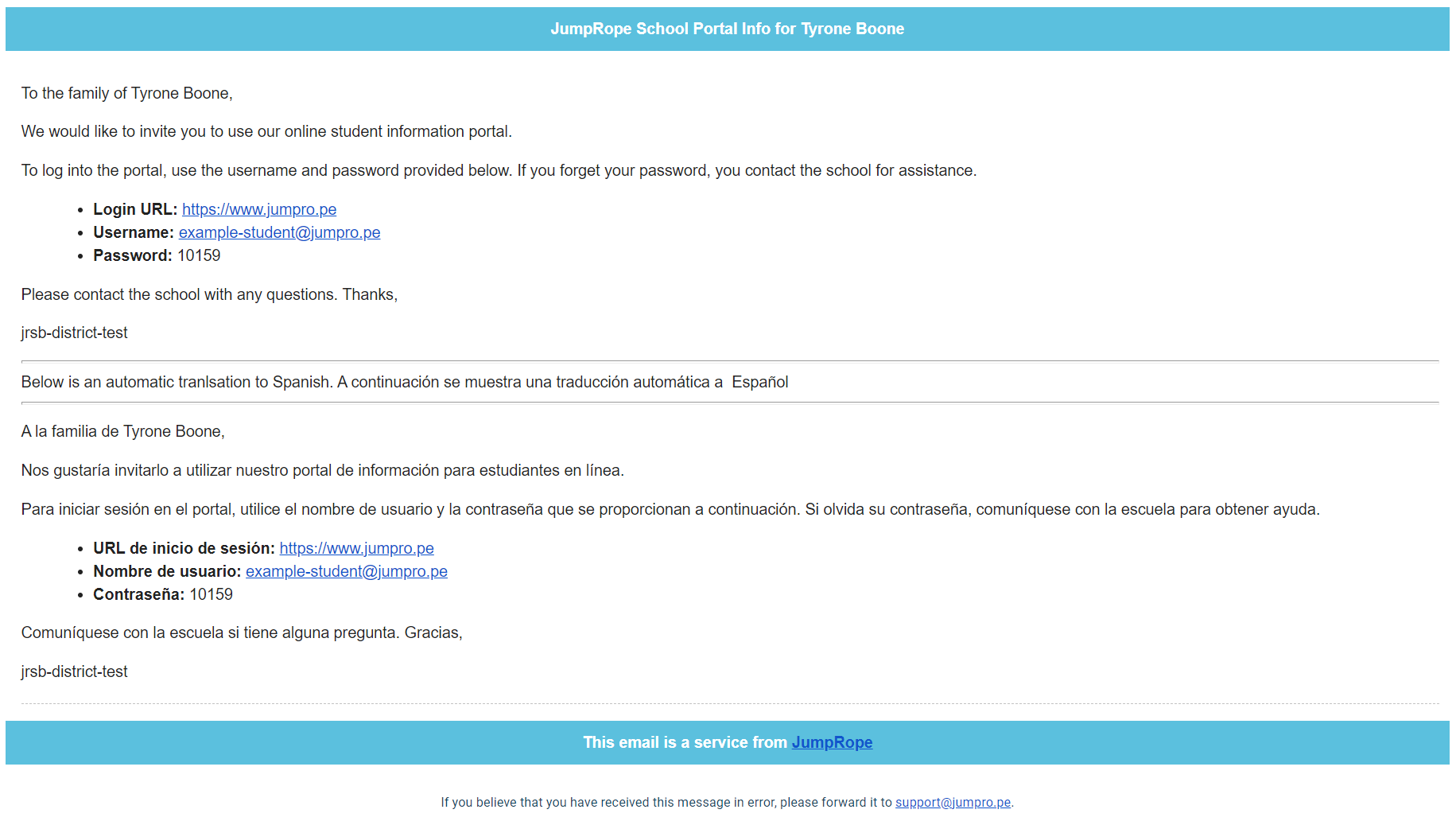 Example translated Family Portal welcome email
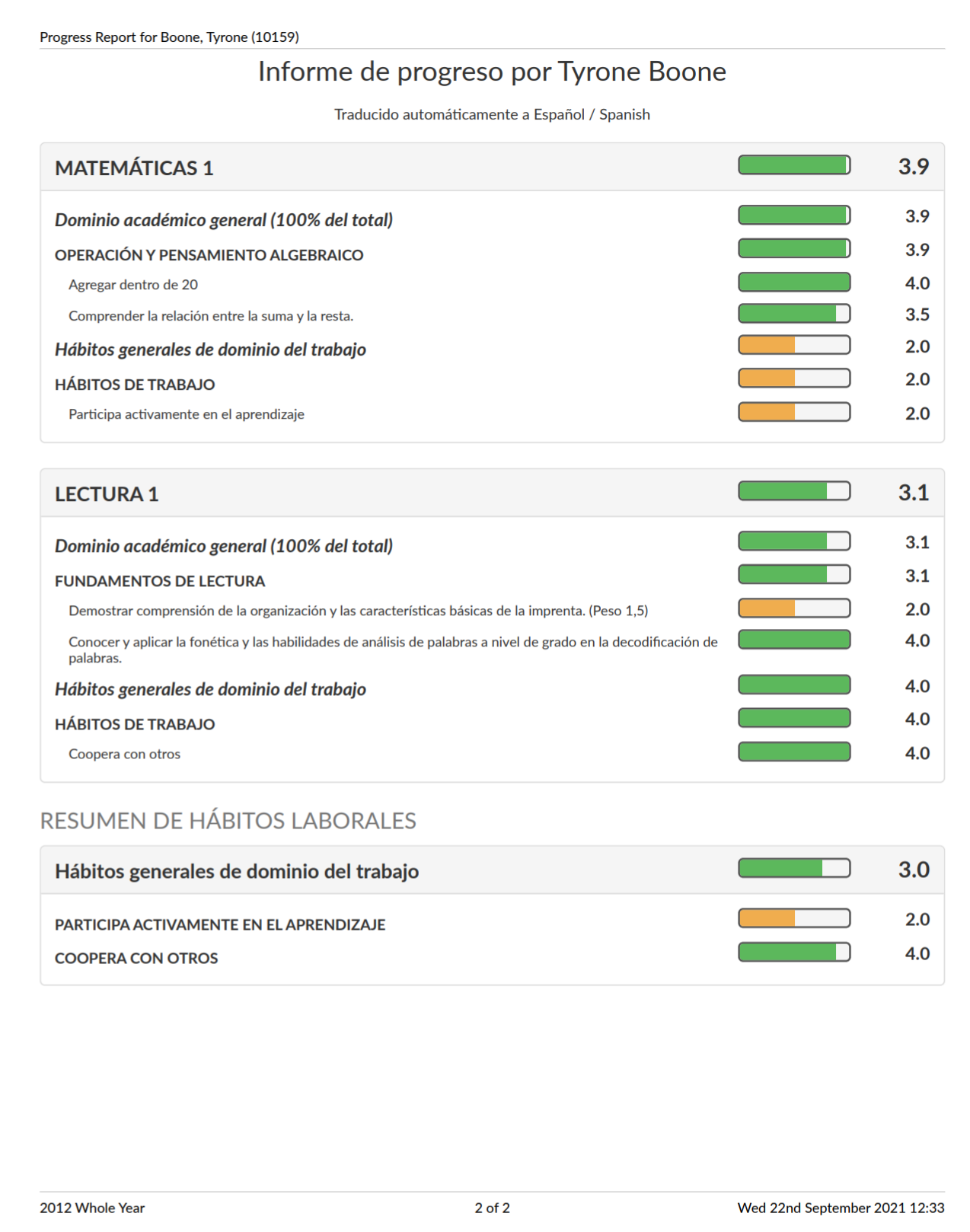 Example translated Progress Report